Designing in the Age of Figma: Why I Still Start in Photoshop and Illustrator
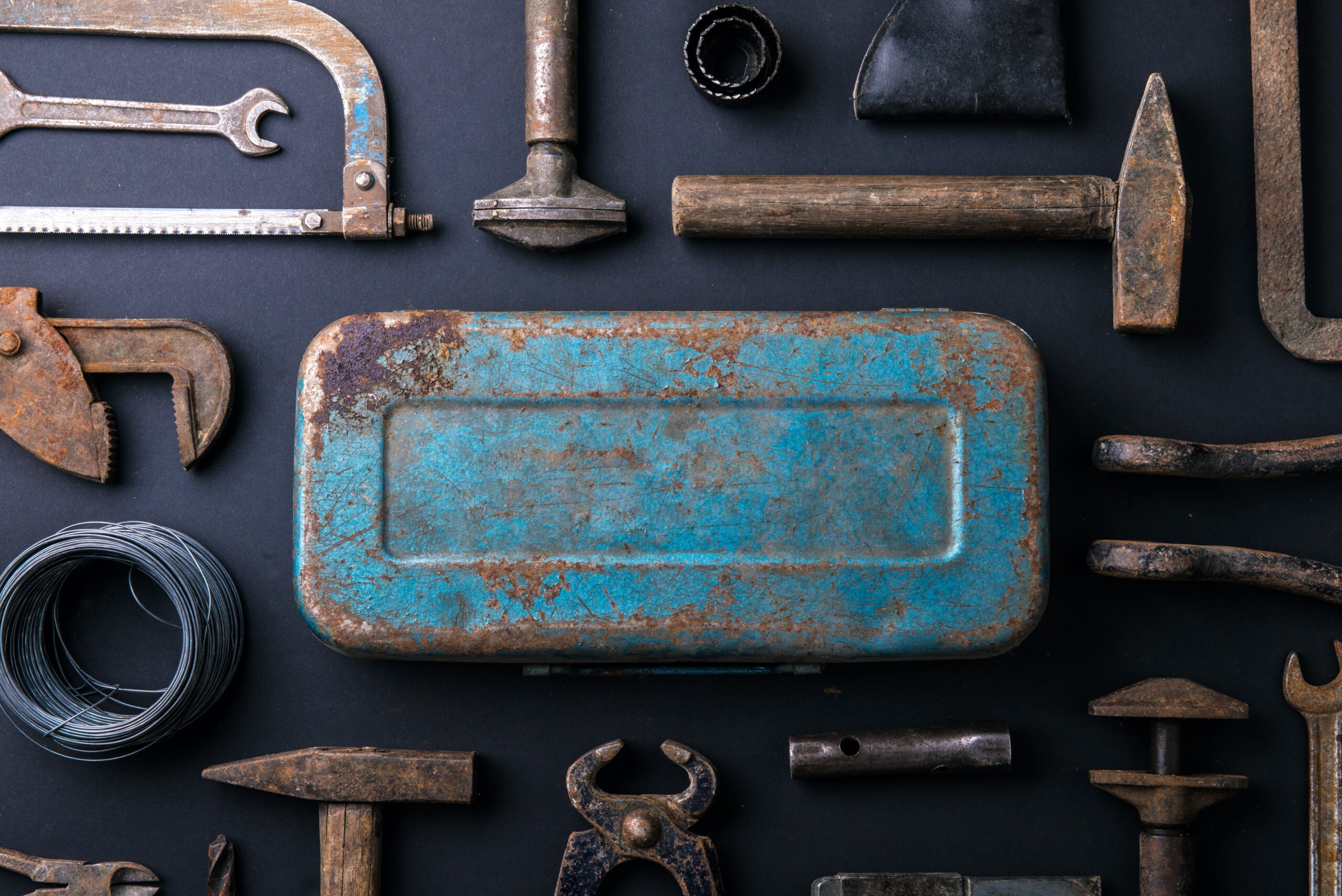
Open the same brief in Photoshop or Illustrator and it feels like a wide-open field. Open it in Figma and, somehow, it already feels like a factory.
The tools all live in the same Adobe-subscription-meets-SaaS universe, but the headspace they create is totally different. Lately I’ve been paying more attention to that gap—because it has a real impact on how original the work feels, and how much room there is for actual craft.
The Open Field vs. the Assembly Line
When I sit down in Photoshop or Illustrator, there’s less pressure to be “efficient” right away. I’m not thinking about auto layout, components, constraints, design tokens, or development handoff. I’m just building a world.
Layers pile up. Type gets stretched and broken. Textures collide with color fields that probably shouldn’t work together. There’s more creative freedom and less desire to immediately start structuring a design system. The file can be a little wild for a while, and that’s the point.
I felt this clearly working on the booklet for Chick-fil-A’s The Approach conference. In the early creative process, there were stretches of time where the work just flowed. I could let the creative evolve and allow a final solution to present itself—not because I followed the right component library, but because I stayed in that unencumbered space long enough for something new to emerge.
Contrast that with a recent CPG ad campaign in Figma. (I can’t name the client, NDA life.) Figma was absolutely the right choice for production. But the whole environment nudged me toward tidiness: clean layers, reusable units, easy localization, logical naming. The work started to feel more like assembly than exploration. My instinct in Figma is to make things easy to work with, not to sit in the messy middle where you spread everything out and try fifteen layouts before the right structure snaps into place.
Same designer, same eye, same taste—different tools, different behavior.
How Figma Helps (and When It Quietly Steals from Creativity)
I want to be clear: Figma is phenomenal at what it does best.
For collaboration, it’s not even close. Reviewing work with internal teams, sharing with clients, tracking comments, managing localization and variations across markets—Figma is far superior to Photoshop or Illustrator. For production buildouts, component systems, and all the realities of shipping digital product or growth campaigns at scale, it’s a game changer. Development handoff alone is worth the price of admission.
But that strength comes with a quiet tax.
When you start a project inside a complex Figma file—with mature libraries, nested components, layout grids, and carefully structured pages—you are stepping onto a moving assembly line. Making significant edits can feel like you’re wrestling the file as much as you’re shaping the idea. You have to constantly be aware of how things are wired together: break this component, detach that instance, adjust this auto layout stack.
Some portion of your attention is no longer on the idea—it’s on the system. You’re spending mental energy on not breaking anything, and that cannibalizes energy that might otherwise go toward a riskier, more original direction.
If you’re not careful, the structure of the file becomes the invisible brief.
What Craft Really Means (To Me)
Craft in digital design today isn’t just the polish of the final pixels or the cleanliness of your Figma components.
For me, craft is the creative idea—the thread—that gets carried through from the first messy sketch to the final shipped asset. It’s the story you’re telling and the way it connects with the audience. Everything else is in service to that: layout, type choices, motion, grids, systems.
If the idea is thin, the most elegant system in Figma won’t save it. The handoff will be smooth, the file will be immaculate, and the work will still feel generic.
This is why that early, unstructured time in Photoshop and Illustrator matters so much. It’s not nostalgia. It’s about giving the idea space to stretch before you ask it to behave.
My Actual Process: Why I Don’t Start in Figma
On a typical project, I almost never open Figma first.
I start with business goals. What are we actually trying to move? Revenue, signups, perception, trust? Then I look at the brand: how it speaks, how it wants to show up in this specific moment—landing page, conference booklet, ad unit, product surface, whatever.
From there, I dig into the landscape. General industry research. Competitors. Adjacent categories. What’s everyone else doing visually and narratively? Where’s the white space?
Then I start pulling examples and building moodboards. Not a pretty Pinterest wall for its own sake, but a focused visual argument: If this brand wants to say X to this audience, this is the emotional and visual territory that gets us there.
Only once that foundation feels honest do I move into initial creative executions. This is where Photoshop and Illustrator are still my go-to. I can move fast, make a mess, try extremes. Layouts can be bold, inconsistent, overcooked. That’s fine. I’m testing ideas, not building a library.
Figma comes in once there’s something worth systematizing—once the creative has a clear spine. At that point, structure becomes a multiplier instead of a constraint. The goal shifts from “What could this be?” to “How do we express this idea consistently across every touchpoint and make it ready for the real world?”
I don’t want Figma’s inherent lean toward order and systems to define the idea. I want it to serve the idea.
The Miss for a New Generation of Designers
The miss I’m seeing more often—especially with younger designers who started their careers in Figma—is that the process skips that unencumbered phase almost entirely.
If you grow up opening Figma first, “being creative” can start to mean moving rectangles around inside constraints someone else defined, or assembling from components someone else designed. You can get very good at shipping work that looks correct, but struggles to say anything new.
The true unstructured feeling I still get from working in Photoshop and Illustrator makes me want to push further: to try the weirder composition, to test the unexpected type pairing, to chase an idea that doesn’t fit neatly into the existing system yet. Figma, by contrast, makes me want to refine, scale, and build systems from that creativity.
Both instincts are valuable. The danger is when you only ever exercise one of them.
Using the Right Tool for the Right Moment
This isn’t an argument to abandon Figma. It’s an argument to be intentional about when you bring it into the process.
Use Figma for what it’s brilliant at: collaboration, localization, production, review, and handoff. Use it to turn a strong idea into a robust, scalable system that multiple teams can work inside without chaos.
But protect the front of the process.
Give yourself time in tools that invite chaos—where the file doesn’t punish you for blowing things up, and where the grid isn’t telling you what to do from the first frame. Sketch on paper. Explore in Photoshop and Illustrator. Write. Build moodboards that stretch beyond what feels safe.
Let the idea lead before the system takes over.
Because at the end of the day, your audience doesn’t care how clean your component library is. They respond to the story you’re telling and how it makes them feel. Figma can help you deliver that story at scale—but it can’t write it for you.
That part is still on us.
Date Published
May 11, 2026
Reading Time
7 min